Image to Video Generator
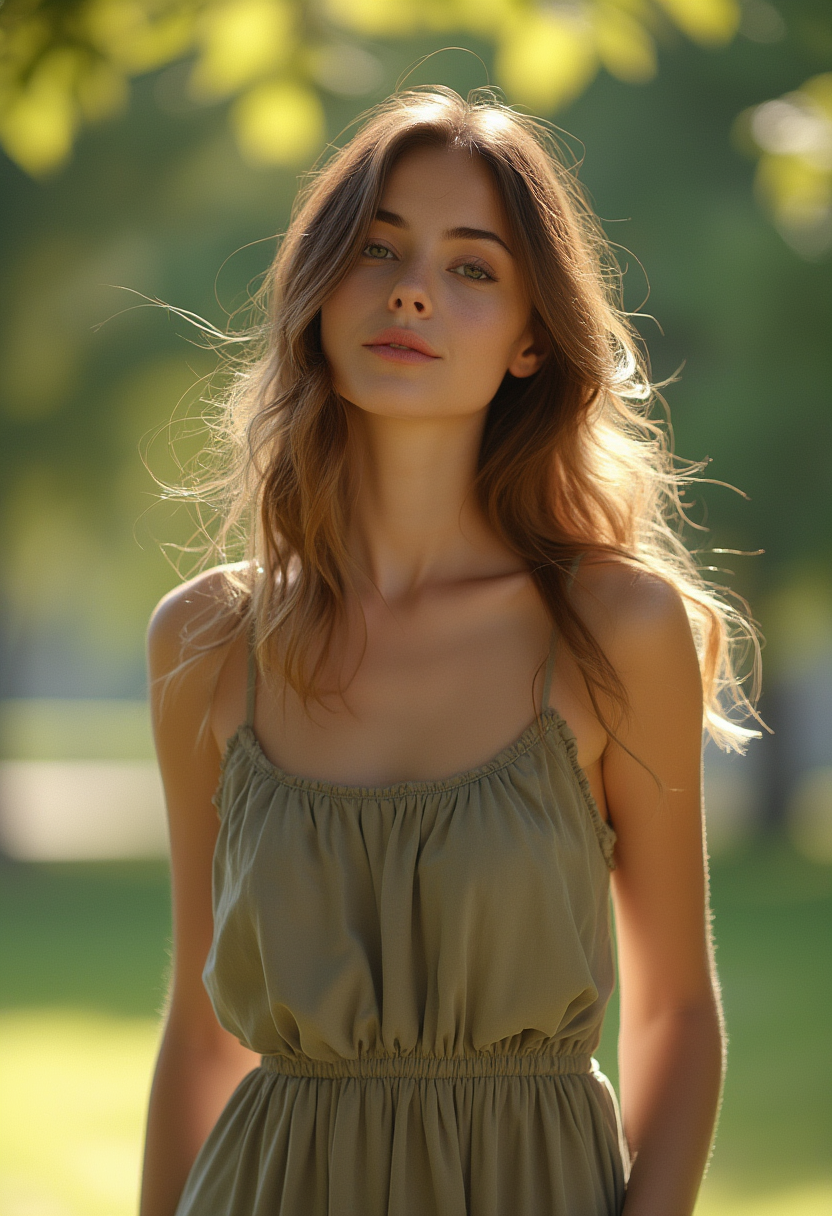
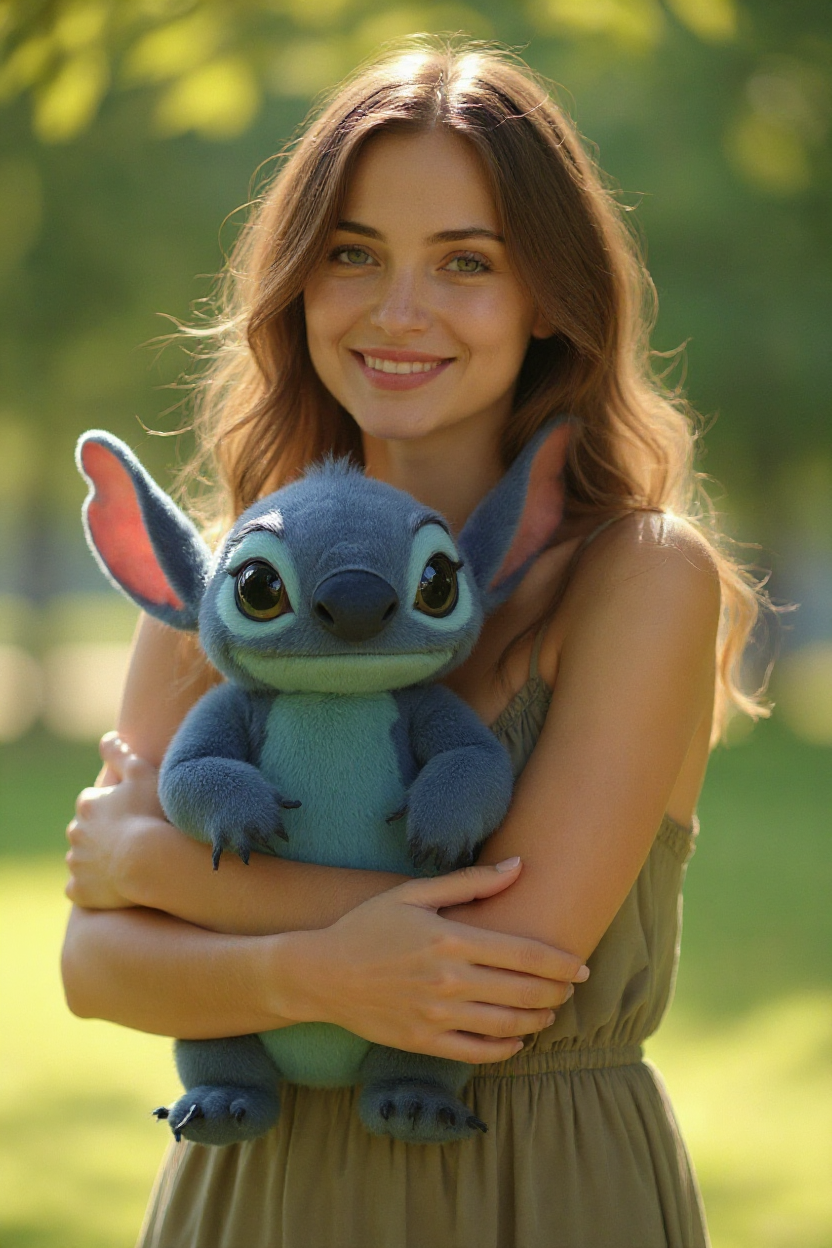
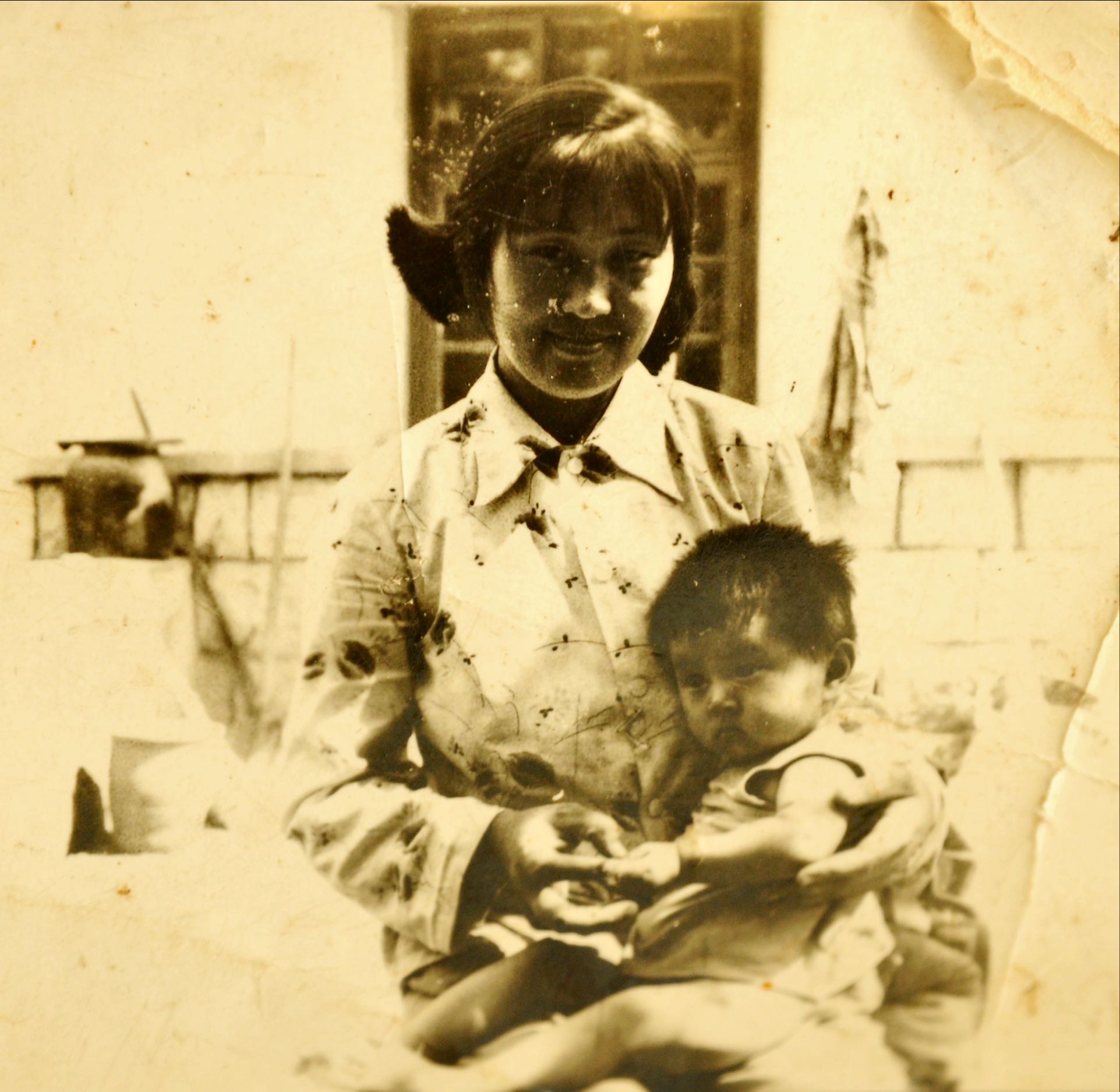
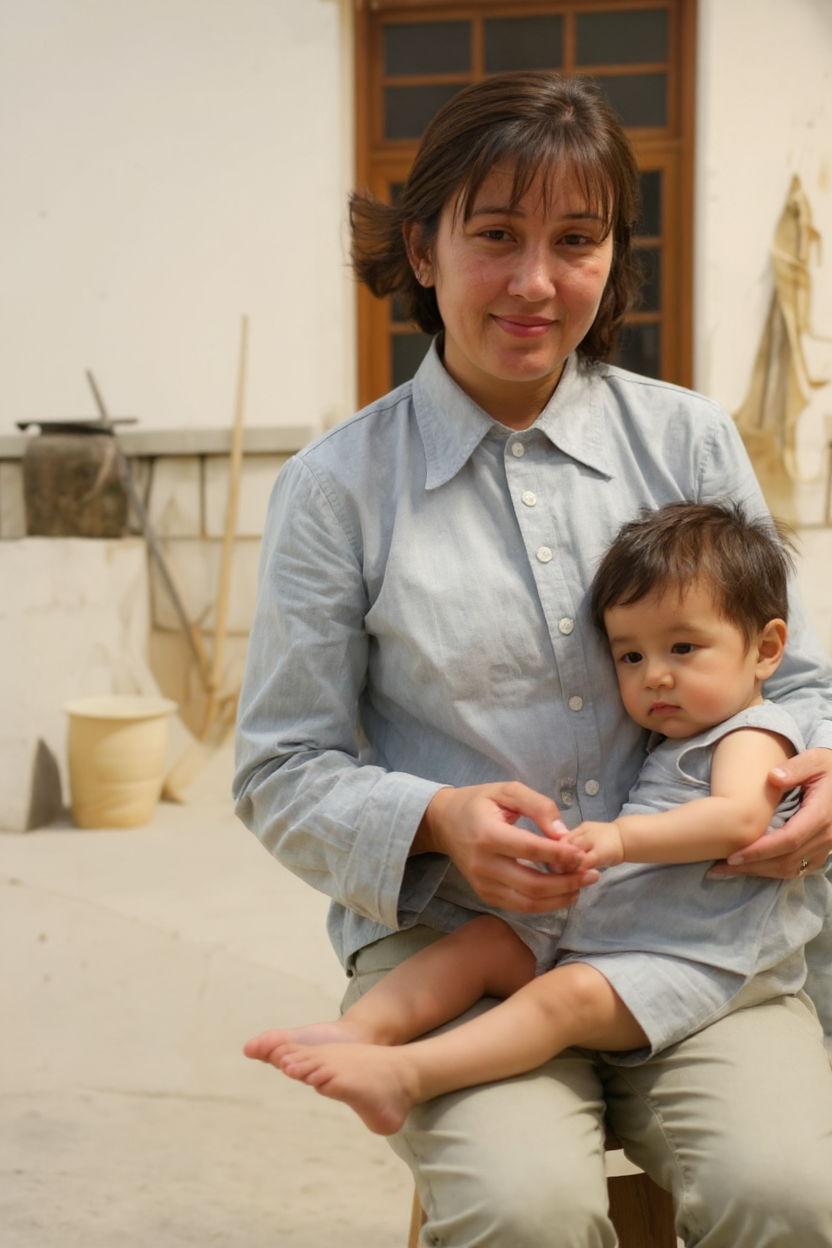
Transform static images into dynamic videos for a rich visual experience
Step
- 1
Upload one or more images
- 2
Choose video style and effects
- 3
Click the ‘Generate Video’ button
- 4
Download the generated video file
Supports JPG/PNG, single image max 5MB, high-resolution images are recommended
Upload file
Drag or drop your files here or click to upload
The generated video will be temporarily saved on the server and deleted automatically after 24 hours.
More
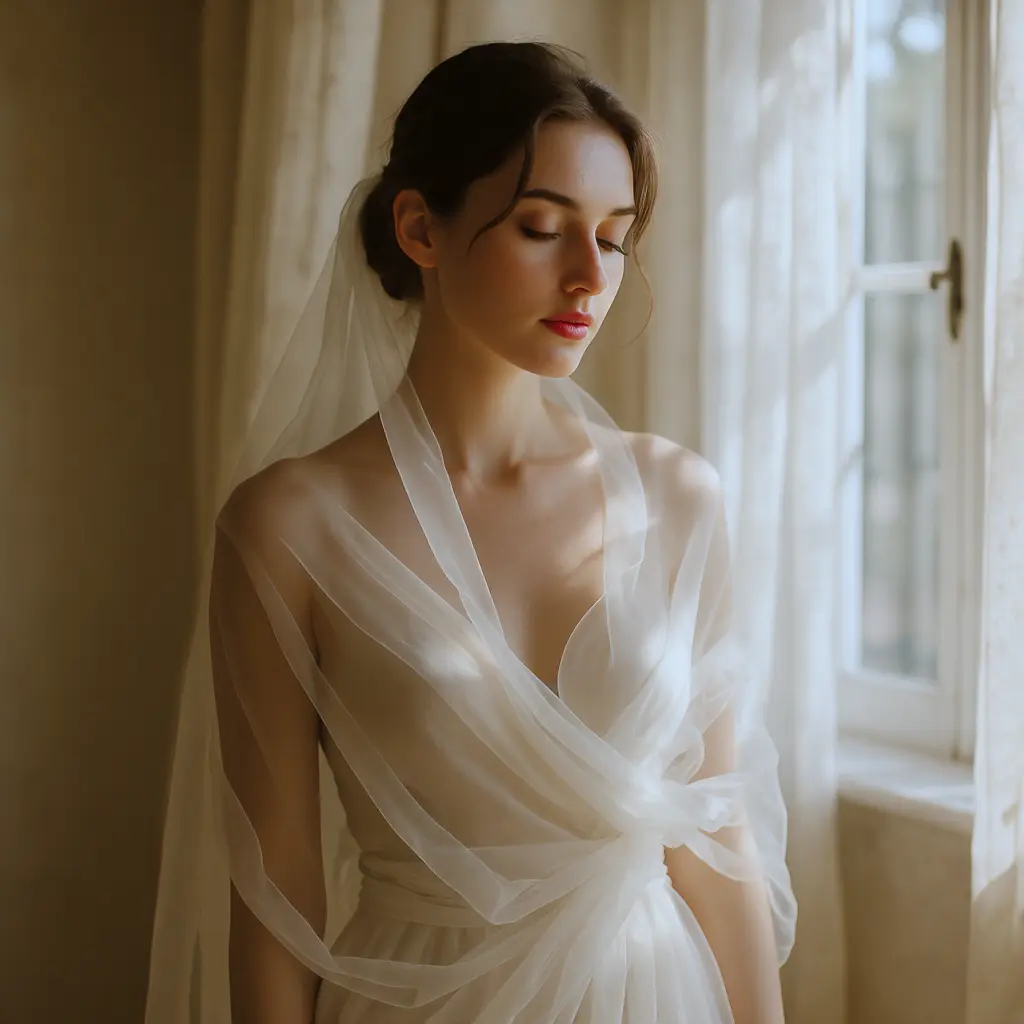
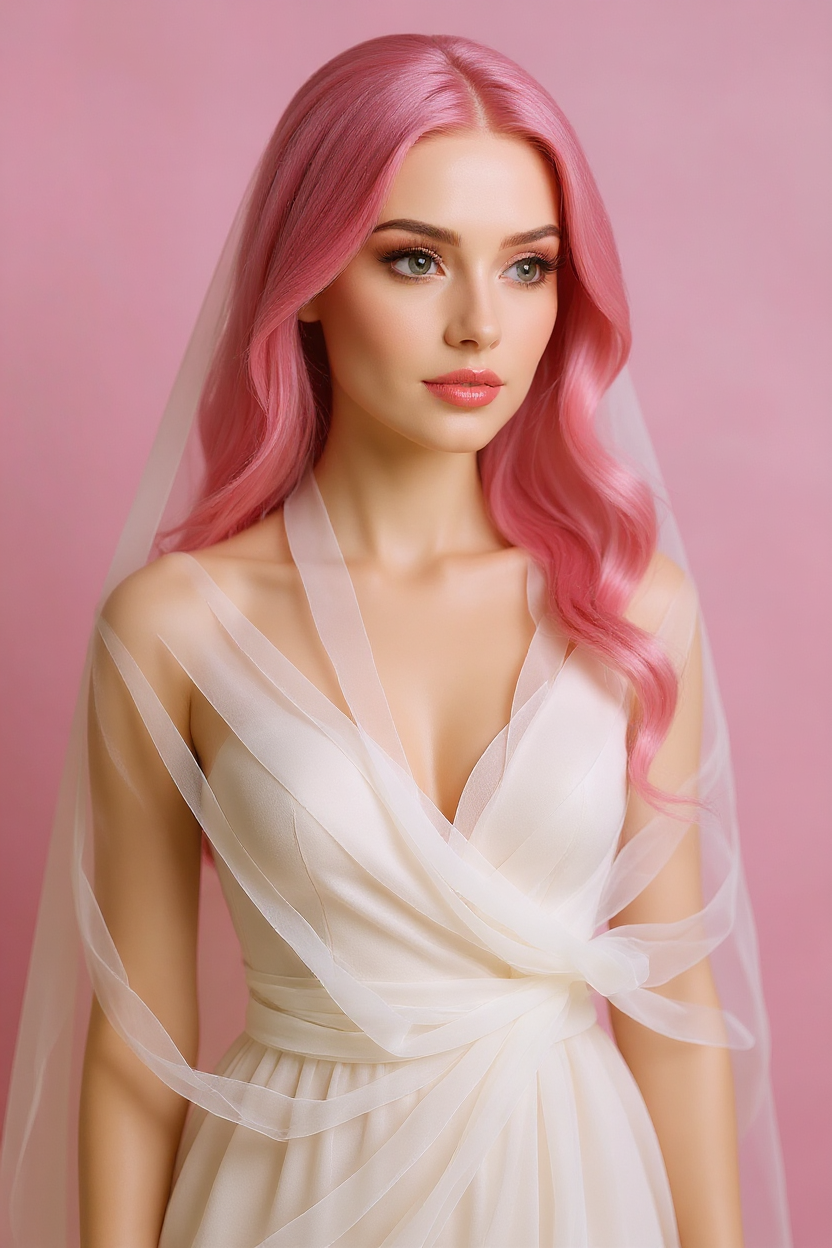


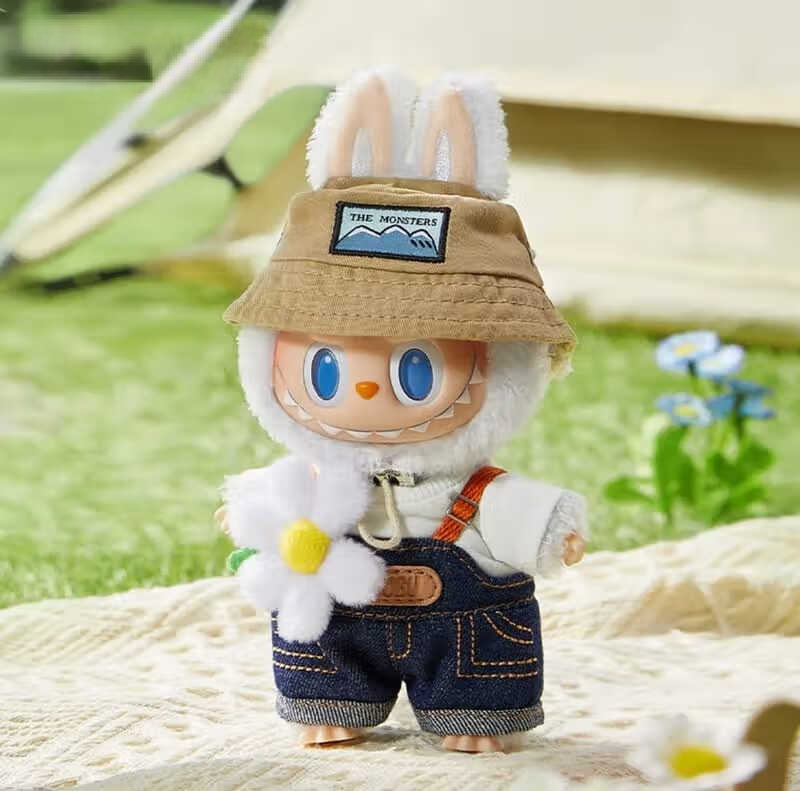
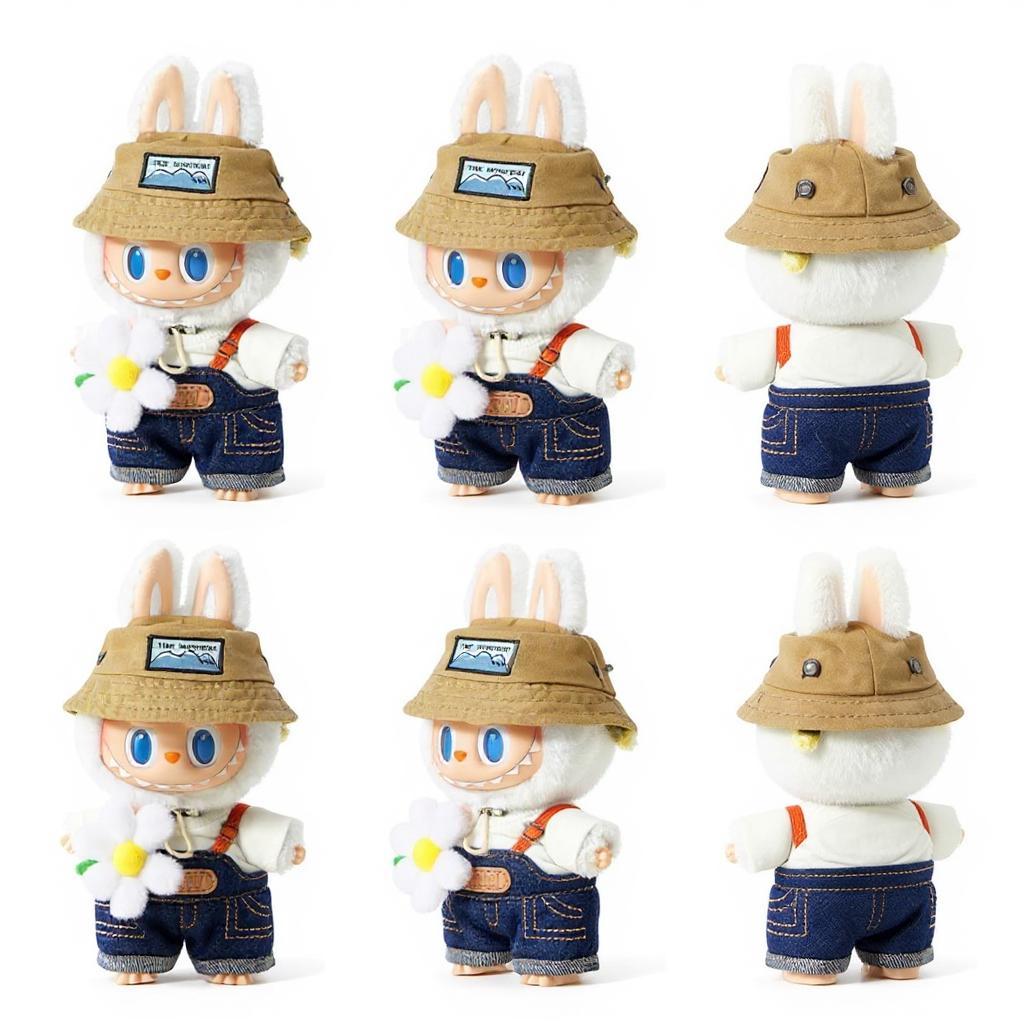
價格方案
選擇方案購買積分
💳 付款提示:如果您在付款過程中有任何問題,歡迎隨時與我們聯絡!😉 (有問題? 聯絡我們 )
Free
Pro🔥 Most Popular
US$39
$50Standard
US$19
$25Ultimate
US$100
$200聯絡我們
[email protected] 如果您有任何疑問,歡迎隨時與我們聯絡。
FAQ
How does the AI image to video generation work?
It uses advanced AI algorithms to convert static images into continuous dynamic visuals, incorporating transitions, filters, and other effects to produce smooth video content.
What image and video formats are supported for upload?
Supports common image formats like PNG, JPG; the video output format is generally MP4, compatible with most players.
What is the maximum length of the generated video?
By default, the maximum supported video length is 30 seconds, adjustable according to platform conditions.
Can the generated video be used for commercial purposes?
Please ensure that the uploaded images have copyrights that comply with relevant regulations; specific commercial usage rights can be found in the platform's terms of service.
Uploading indicates that you own the image copyrights and agree to the platform's terms of service.